Tool studio
Import an OpenAPI document, pick operations, and publish a custom tool for the workspace.
Tool studio is for workspace owners and admins, on the Business and Enterprise plans. Open Connected tools, click Add your own, then Import an API. On the Pro plan that entry is greyed out and reads "Upgrade your plan to use your own tools".
Tool studio publishes a custom HTTP tool from an OpenAPI document. It is not the TypeScript generator that Stedia uses for first-party packages.
Publish
The wizard walks seven steps: Import, Basics, Auth, Pick actions, Classify, Instructions for Stedia, Review.
- Paste or drop a YAML or JSON OpenAPI document.
- Confirm the tool's name and id, then map its security fields. API keys (in a header or query parameter), bearer tokens and Basic auth (username and password) are supported. OAuth2 is not supported yet.
- Pick up to 15 operations.
- Classify them. Turn on Asks first for every action that needs a person to approve it.
- Review or edit Instructions for Stedia (routing text the model sees for this tool). Left blank, Stedia writes them from the picked actions. The GET operation that checks a connection's credentials comes pre-selected; change it if another fits better.
- Publish.
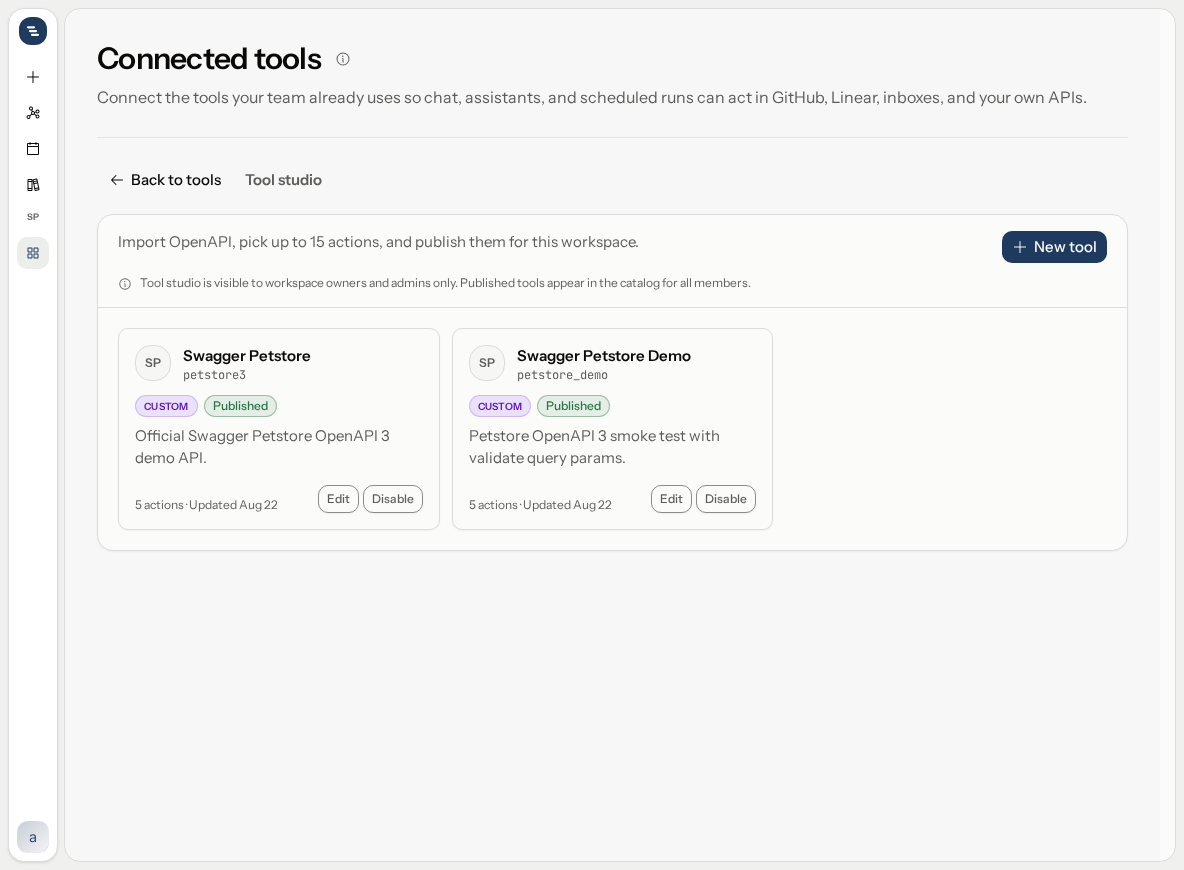
Publish makes the tool visible in the workspace catalog and registers runtime tools. It does not create a connection or store anyone's credentials.
Connect after publish
The custom tool appears in Catalog with a Custom badge. Connect it the same way as a platform tool: Personal or Workspace, then the credentials the manifest asked for (API key, bearer token, optional base URL for staging vs production).
Change a published tool
A published tool accepts one edit in place: its Instructions for Stedia. To change its actions, auth or base URL, Disable it, Edit it, then Enable it again. Existing connections stay.
Delete a tool
Delete works for a draft, a published and a disabled tool. A published or disabled tool takes its connections with it. Anyone who connected it loses that connection.
Limits
Fifteen operations per published tool. Credentials are encrypted per connection. Members see the tool only after you publish and, if you use the workspace toggle, enable it for the workspace.
Tool studio imports OpenAPI 3.0 and 3.1, up to 2,000,000 characters per document. Convert a Swagger 2.0 document first. Base URLs must use https and can't contain ? or #. An operation can't be picked if it needs a non-JSON request body, a body on a GET request, a oneOf or anyOf schema, a required cookie parameter, or a $ref to another file.
Tips
- Pick only the operations people will actually ask for. Fewer actions make it easier for Stedia to choose the right one, and you stay well under the limit of 15.
- Write Instructions for Stedia as "use this when": for example, "Use this tool for stock levels and supplier orders. Always ask for the order number before creating an order."
- Connect as Personal first and try a read action in a chat. Share a Workspace connection once the answers look right.
Provider docs
- OpenAPI specification: the document format Tool studio imports.